How to take it out of / put it into the case
Please handle the cart carefully.
<Taking it out of the case>
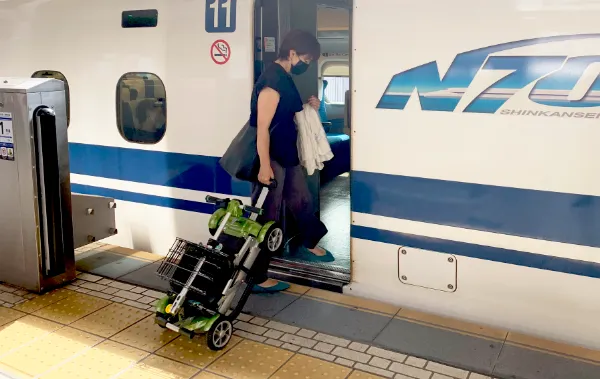
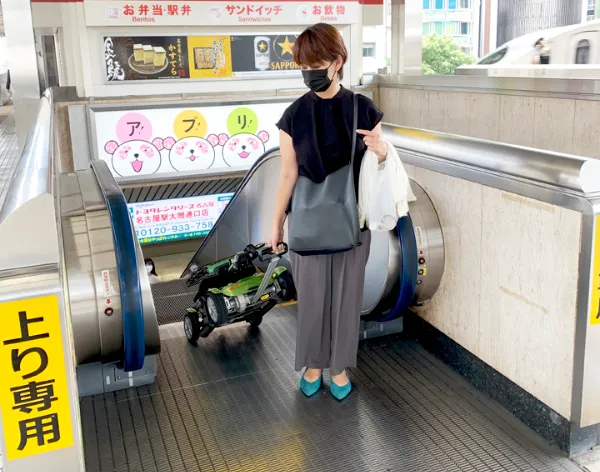
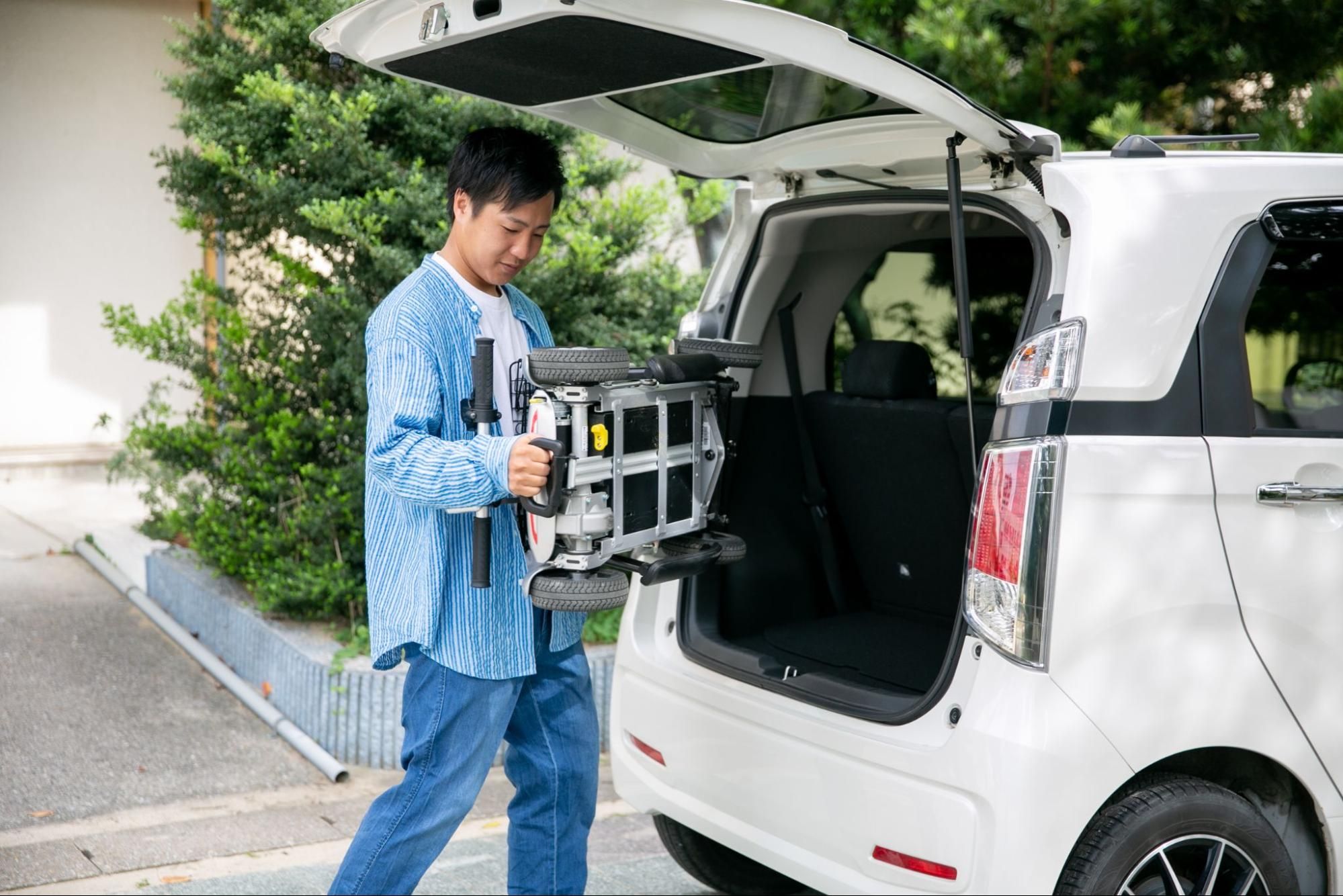
When lifting the unit with both hands, always grip the front step and the rear handle, as shown in the diagram.
Caution: do not lift the cart by holding its outer cowling — this can cause damage. Do not lift the cart by the handlebar, as it may fall.
<Putting it into the case>
① Always remove the main key first, and confirm the control panel's LED has turned off. Remove the shopping basket from JOYCart.
② Push the rear handle down until it clicks into place.
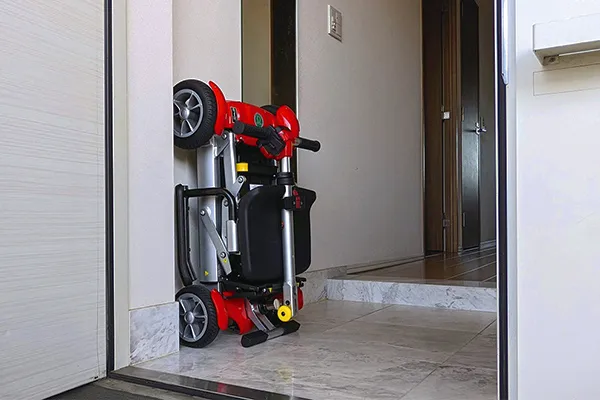
③ Fold JOYCart and shorten the front handlebar.
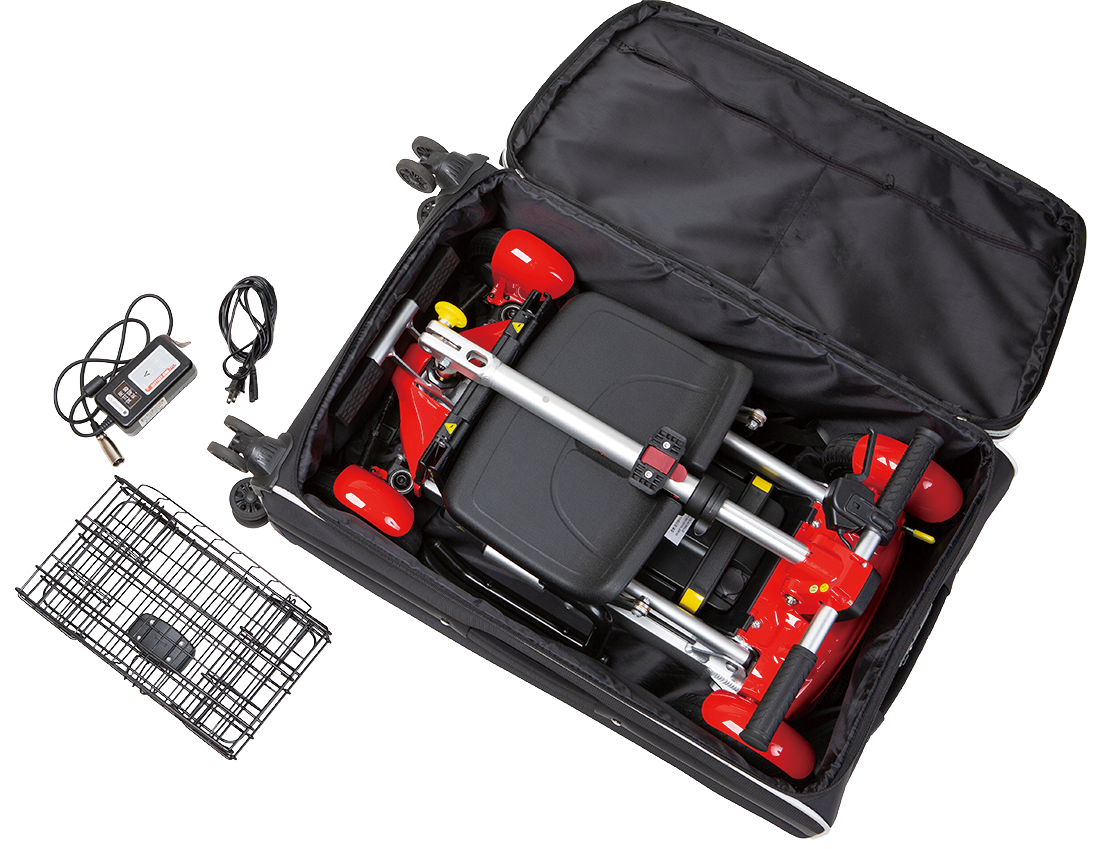
④ Place it into the case following the direction shown in the diagram, always holding the front step and rear handle.
⑤ Put the shopping basket, charger, and similar items into the accessory bag, then place the bag in the gap between the case and the cart.
⑥ Don't forget to place the grey foam padding on top of the cart.
How to operate it
Please refer to this video.
How to fold it
Please refer to this video.
Things not to do while riding
① If you insert the key while already gripping the accelerator, the red LED will flash and the cart won't move. If this happens, remove the key again, release the accelerator, and reinsert the key. (The LED will not flash.)
② Lifting the front wheels off the ground while gripping the accelerator can cause the cart to rear up (a "wheelie"), which is very dangerous. Release the accelerator immediately if this happens.
What to check if it won't move
Before assuming something is broken — such as "it won't move" or "it won't charge" — please check this document first: JOYCart Troubleshooting Guide (PDF).
How to charge it, and troubleshooting
Plug the connector into the charging port, and plug the other end into a household outlet. Charging is complete when the pilot light changes from orange to green (full charge takes about 6 hours). Once fully charged, always unplug the cord from the outlet. Do not use a charger from another manufacturer's product. Do not store the battery in very hot or very cold conditions.
[Pilot light status]
Red: Not charging. Try reinserting the connector into the cart.
Orange: Charging normally.
Green: Charging complete. Please unplug the charger.
[Note] If the light does not turn orange after several attempts at reinserting it, please contact us immediately.
What to do if damage occurs
1. If you notice damage while using the cart
If you notice any damage or malfunction to the exterior, levers, handlebar, tyres, or electrical system while using the cart, please contact our support desk right away. Email: rent@noaa.jp
Information we'll need: name on the reservation / JOYCart unit number / location and description of the damage (with photos attached) / whether it still runs (yes/no) / where and roughly when you noticed the damage
2. Minor damage (e.g. small scratches, minor chips to the exterior, or damage limited to decorative parts)
After you contact us, our support team will decide whether continued use is possible. Wear and scratches that occur through normal use are not chargeable. If damage is judged to be due to carelessness, you may be charged only for the relevant part.
3. Damage that affects driving (e.g. frame damage, abnormal handlebar/accelerator, electrical faults, tyre damage)
For safety, please stop using the cart immediately. Depending on the situation, we may be able to deliver a replacement unit to your hotel. In areas where arranging a replacement is difficult, we will refund the rental fee for the remaining period. Depending on the cause, you may be asked to cover repair costs.
4. Damage from intentional misuse or clear negligence
In the following cases, you may be charged the full repair cost: forcing the cart over an obstacle it cannot handle / carrying two people or overloading it with luggage / dangerous or rough operation / damage from submersion or tipping over / damage from folding or handling the cart in a way that goes against the instructions / improper storage
5. If damage is discovered after return
Our specialist staff will inspect the unit upon its arrival. If damage is confirmed, we will present photos, an explanation of the situation, and the repair cost, and will only charge you after you've had a chance to review it. Minor scratches and wear from normal use are not chargeable.
6. Initial defects
If you report damage or a malfunction within 24 hours of receiving the cart at your hotel or home, it will be treated as an initial defect and you will not be charged.